VPN Setup Guide for Beginners 2026: Easy Step-by-Step
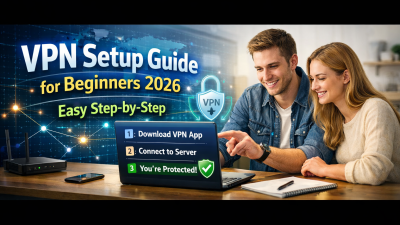
If you are searching for a vpn setup guide for beginners 2026, you likely want a clear, practical explanation of how to use a VPN safely and correctly without technical confusion. In 2026, VPN usage is no longer limited to IT professionals or privacy activists. It has become a basic digital skill for protecting data, accessing secure networks, and maintaining privacy across devices. This guide explains what a VPN is, why it matters today, and how beginners can set it up step by step with confidence.
What a VPN Is and Why It Matters in 2026
A Virtual Private Network (VPN) creates an encrypted tunnel between your device and the internet. This tunnel hides your real IP address and protects data from interception. In 2026, online tracking, data breaches, and public Wi-Fi risks have increased significantly.
Governments, ISPs, and advertisers now collect more behavioral data than ever before. A VPN reduces exposure by masking your online identity and encrypting traffic. For beginners, understanding this function is the foundation of any vpn setup guide for beginners 2026.
VPNs are also widely used for remote work, secure access to internal systems, and safer browsing while traveling. Modern VPN applications have simplified the process, making setup accessible even for non-technical users.
Choosing the Right VPN for Beginners
Before setup begins, selecting the right VPN is critical. Not all VPN services are suitable for beginners, especially in 2026 where features and pricing vary widely. The best beginner VPNs prioritize usability, transparency, and security standards.
Look for strong encryption protocols such as WireGuard or OpenVPN. These protocols balance speed and security and are widely supported. Avoid providers that lack clear documentation or privacy policies.
Ease of use is equally important. A beginner-friendly VPN should offer intuitive apps for Windows, macOS, Android, and iOS. Clear server lists, automatic connection options, and simple on/off controls reduce setup errors.
Finally, confirm that the VPN supports multiple devices. In 2026, users typically connect phones, laptops, tablets, and sometimes routers. A single account that supports several devices simplifies long-term usage.
Step-by-Step VPN Setup on Common Devices
This section forms the core of the vpn setup guide for beginners 2026, focusing on practical steps. While interfaces differ slightly by provider, the overall process remains consistent.
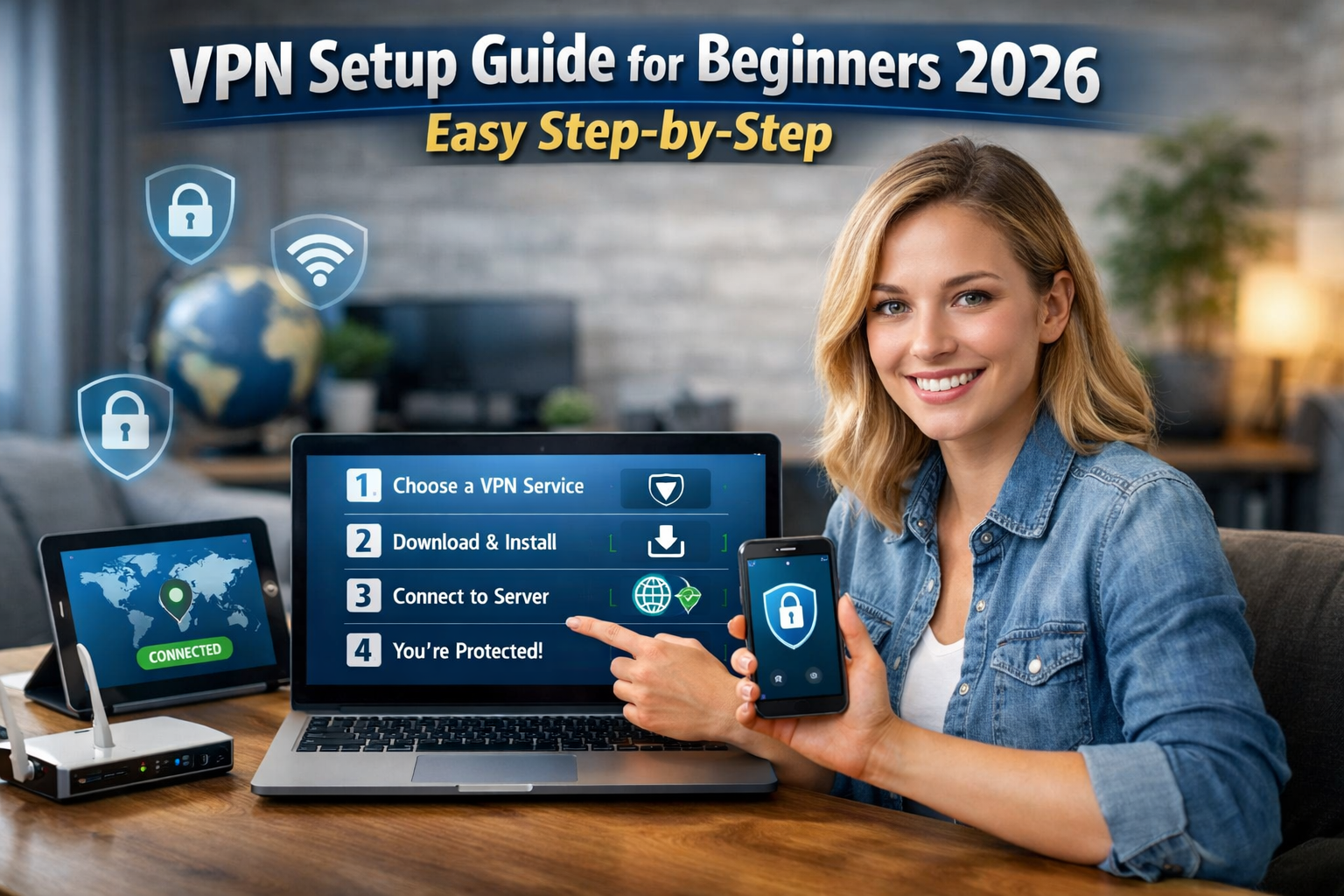
First, create an account with your chosen VPN provider and download the official application. Always use the provider’s website or verified app stores to avoid malicious copies. Installation usually takes less than two minutes.
After installation, open the app and log in using your account credentials. Most VPN apps will prompt you to allow permissions for network configuration. Accept these prompts to ensure the VPN can function correctly.
Next, select a server location. Beginners should start with the automatic or recommended server, which typically offers the best balance of speed and stability. Once selected, click “Connect” and wait for confirmation.
When the VPN is active, your IP address changes and traffic becomes encrypted. Most apps display a clear status indicator, such as a green shield or connected message. At this point, the VPN is fully operational.
Understanding VPN Settings Without Technical Overload
VPN applications include settings that may appear intimidating to beginners. However, most users only need to understand a few essential options to stay safe.
The kill switch is one of the most important features. It blocks internet access if the VPN connection drops unexpectedly. Enabling this prevents accidental data exposure, especially on unstable networks.
Protocol selection is another common setting. If your VPN offers automatic protocol selection, leave it enabled. Manual selection is optional and generally unnecessary for beginners.
Split tunneling allows certain apps to bypass the VPN while others remain protected. Beginners can leave this disabled unless they have a specific need. Simplicity reduces configuration errors.
Avoid changing advanced DNS or routing settings unless instructed by official documentation. In 2026, default configurations are optimized for most users and provide sufficient protection.
Common Beginner Mistakes and How to Avoid Them
Many first-time users make avoidable mistakes during VPN setup. One common error is assuming the VPN is always active. Always verify connection status before browsing or accessing sensitive data.
Another mistake is using free VPN services without understanding the risks. Some free services log user data or inject advertisements. A reliable vpn setup guide for beginners 2026 emphasizes informed decision-making over cost alone.
Failing to update the VPN app is also risky. Updates often include security patches and performance improvements. Enable automatic updates where possible.
Finally, some users disconnect the VPN when experiencing slower speeds. Instead, try switching servers or protocols. Speed issues are often temporary and manageable without disabling protection.
Best Practices for Daily VPN Use
Once setup is complete, consistent usage habits determine long-term effectiveness. Activate the VPN before connecting to public Wi-Fi in cafes, airports, or hotels. These networks are common targets for data interception.
Use the VPN during remote work sessions, especially when accessing internal tools or dashboards. Encryption protects credentials and reduces exposure to network-based attacks.
Periodically check your IP address to confirm the VPN is functioning. Many VPN apps include built-in diagnostic tools for this purpose. Awareness reinforces safe behavior.
In 2026, VPNs are not just for privacy but for digital hygiene. Treat VPN usage like locking your door rather than as an optional feature.
Conclusion
This vpn setup guide for beginners 2026 demonstrates that VPNs are no longer complex tools reserved for experts. With modern applications, clear settings, and informed choices, anyone can set up and use a VPN effectively. By following structured steps and avoiding common mistakes, beginners can protect their data, privacy, and online activity with confidence.
FAQ
Q: Is a VPN legal to use in most countries in 2026? A: Yes, VPN usage is legal in most countries, though some regions regulate or restrict specific use cases.
Q: Do I need a VPN at home if I already have secure Wi-Fi? A: A VPN adds an extra layer of encryption and privacy even on home networks, especially against ISP tracking.
Q: Will a VPN slow down my internet connection? A: Some speed reduction is normal, but modern VPN protocols minimize performance impact significantly.
Q: Can beginners use a VPN on multiple devices at the same time? A: Most VPN providers allow simultaneous connections on several devices under one account.
Q: Do I need to keep my VPN on all the time? A: For consistent privacy and security, keeping the VPN enabled during regular internet use is recommended.
